
POS & Payment Systems for Wisconsin Breweries and Taprooms: A 2026 Guide
POS & Payment Systems for Wisconsin Breweries and Taprooms: A 2026 Guide
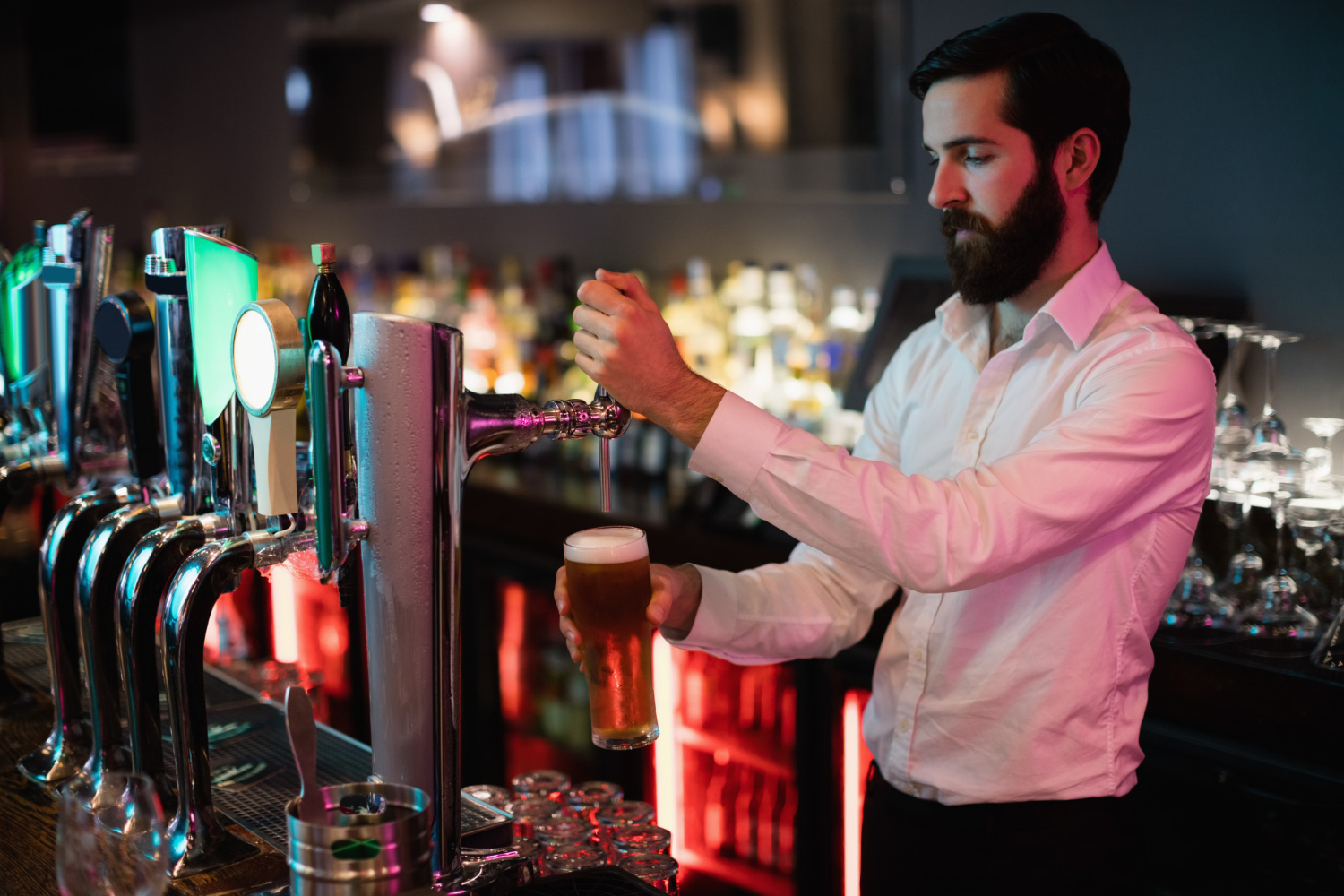
A taproom’s payment volume looks nothing like a full-service restaurant’s: high transaction counts in short bursts, open bar tabs running for hours, heavy tip processing, and – for many Wisconsin breweries – sharp seasonal swings between a packed Saturday afternoon and a quiet Tuesday. The right brewery taproom POS and payment setup prioritizes fast tab management and tip accuracy over the table-service features a restaurant needs. This guide covers what to look for.
Key Takeaways
- Taprooms need POS software built around open tabs, not table seating – the difference matters more than most other restaurant POS features.
- Tip processing accuracy is a bigger deal at a bar than a table-service restaurant: high transaction volume means small tip-calculation or tip-pooling errors compound fast.
- Card-present, EMV chip transactions have lower chargeback liability than card-not-present ones – relevant for taprooms doing event and festival sales through mobile readers.
- Seasonal Wisconsin breweries benefit from processors with no long-term contract or low minimum-volume penalties during slow months.
- A tap list that changes weekly needs a POS that makes menu and price updates fast – a clunky back end for updating items is a bigger daily cost than most owners expect.
Why Bar-Tab Management Is the Core Feature to Get Right
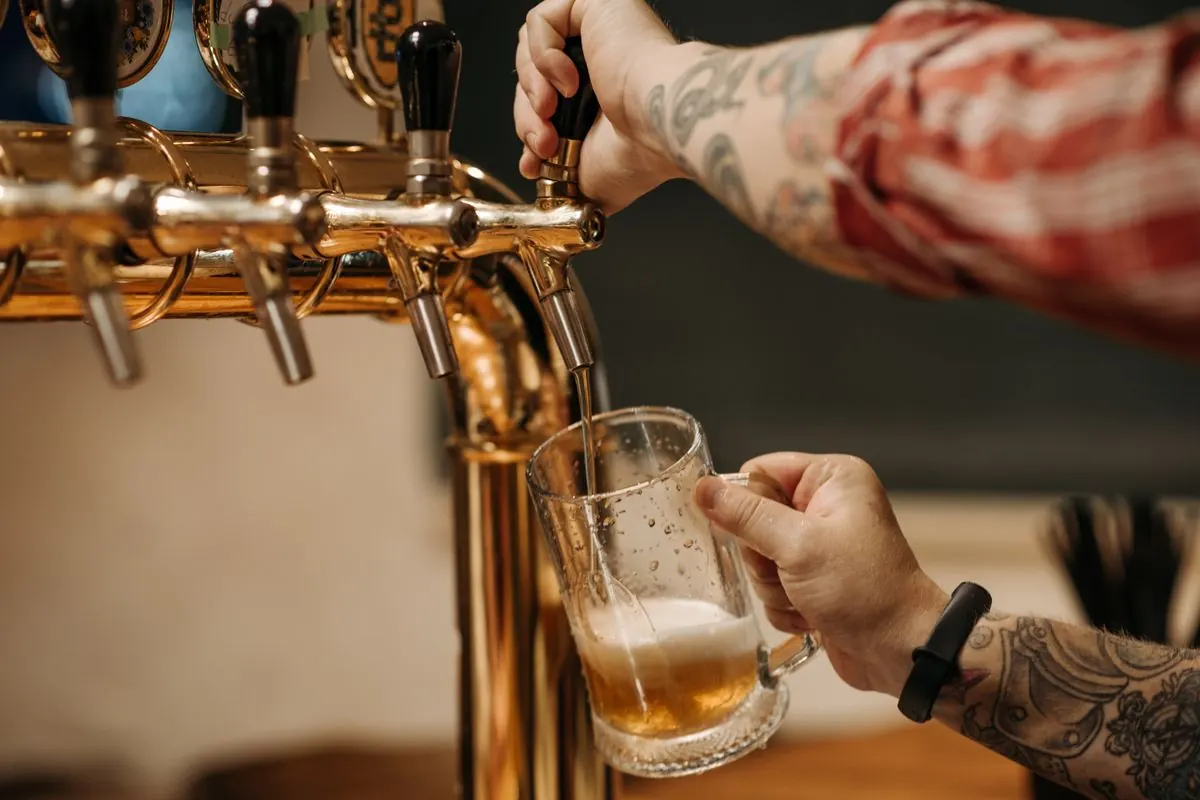
Most restaurant POS systems are built around table service: a server opens a table, adds items, closes the check. A taproom’s real workflow is different – a customer opens a tab at the bar, orders multiple rounds over an hour or more, and closes out whenever they leave. A POS built for table service can handle this, but often clumsily: extra taps per round, awkward tab-splitting, or slow lookup when a bar gets three-deep on a busy Saturday.
What actually matters for taproom tab management:
- Fast tab lookup by name or card, so bartenders are not hunting through a table-based interface during a rush
- Card-on-file tab holds – an authorization hold when the tab opens, final charge when it closes. Standard practice, but the POS needs to handle the hold-to-final-charge conversion cleanly
- Quick reorder and repeat for the handful of items that make up 80% of orders on any given night
- Split-tab and multi-card closeout for groups, which happens constantly at a taproom in a way it does not at most quick-service restaurants
Tip Processing: Where Small Errors Add Up Fast
A taproom doing 200+ transactions on a Saturday has 200+ opportunities for a tip-calculation error, a tip-pooling miscalculation, or a delayed tip payout to compound into a real staff-trust problem. Two things matter most:
- Accurate tip suggestion at the terminal. Percentage-based tip prompts calculated on the pre-tax subtotal – the standard, and generally the customer’s expectation – rather than the post-tax total.
- Clean tip-pooling reporting. If tips are pooled across bartenders for a shift, the POS needs to generate an accurate, auditable report by shift and by employee. Manually reconciling tips from a register tape is a recurring headache that a decent POS eliminates entirely.
Card-Present vs. Card-Not-Present: Why It Matters More at Events
Many Wisconsin breweries do at least some volume outside the taproom itself – a festival booth, a farmers market table, an off-site event. When a card is physically dipped or tapped (card-present, EMV), the liability for a fraudulent-card chargeback generally shifts toward the card issuer rather than the merchant. When a transaction happens without the physical card present, such as a phone order or a manually keyed number, the merchant typically carries more chargeback liability.
For event and mobile sales specifically, this means using an EMV chip and tap-capable mobile card reader rather than manually keying card numbers whenever possible, even under the time pressure of a festival line. It is a meaningfully different risk position if a card turns out to be stolen or disputed later. Our chargebacks guide for Wisconsin small businesses covers how disputes actually play out.
Handling Seasonal Swings Without Overpaying in the Off-Season
Wisconsin’s tourist-corridor breweries – Wisconsin Dells, Baraboo, Lake Delton and similar – see real seasonal volume swings. A taproom doing $40,000 in July processing volume might do a third of that in February. Two contract terms to check before signing with any processor:
- Monthly minimum fees. Some processors charge a minimum monthly fee regardless of volume – fine in July, a real cost in February. Ask directly whether there is a minimum and what it is.
- Contract length and early termination fees. A multi-year contract with a steep early termination fee is a bad fit for a seasonal business that might want to renegotiate or switch after a slow season exposes better options elsewhere.
We cover the wider picture in our guide to payment processing for seasonal Wisconsin businesses.
Taproom POS Feature Comparison: What Actually Matters
Not every “restaurant POS” feature is equally relevant to a taproom. Here is how the priorities typically differ:
| Feature | Full-service restaurant | Taproom |
|---|---|---|
| Table/seating management | Essential | Rarely used |
| Open bar tab handling | Nice to have | Essential |
| Course timing / kitchen display | Essential | Usually not needed (limited food menu, if any) |
| Split-tab / multi-card closeout | Occasional | Frequent |
| Fast menu/price updates | Occasional (seasonal menu) | Frequent (rotating tap list) |
| Mobile/event-ready hardware | Rarely needed | Often needed (festivals, off-site pours) |
| Tip pooling across shifts | Standard | Standard, higher volume |
A taproom owner evaluating POS options who focuses on restaurant-standard features like table management and course timing is often optimizing for the wrong thing. The tab-handling and tap-list-update rows are where day-to-day friction actually shows up. If you are comparing named systems, our breakdown of restaurant POS systems in Madison walks through how the major platforms differ.
Self-Pour Walls and Card-Linked Systems
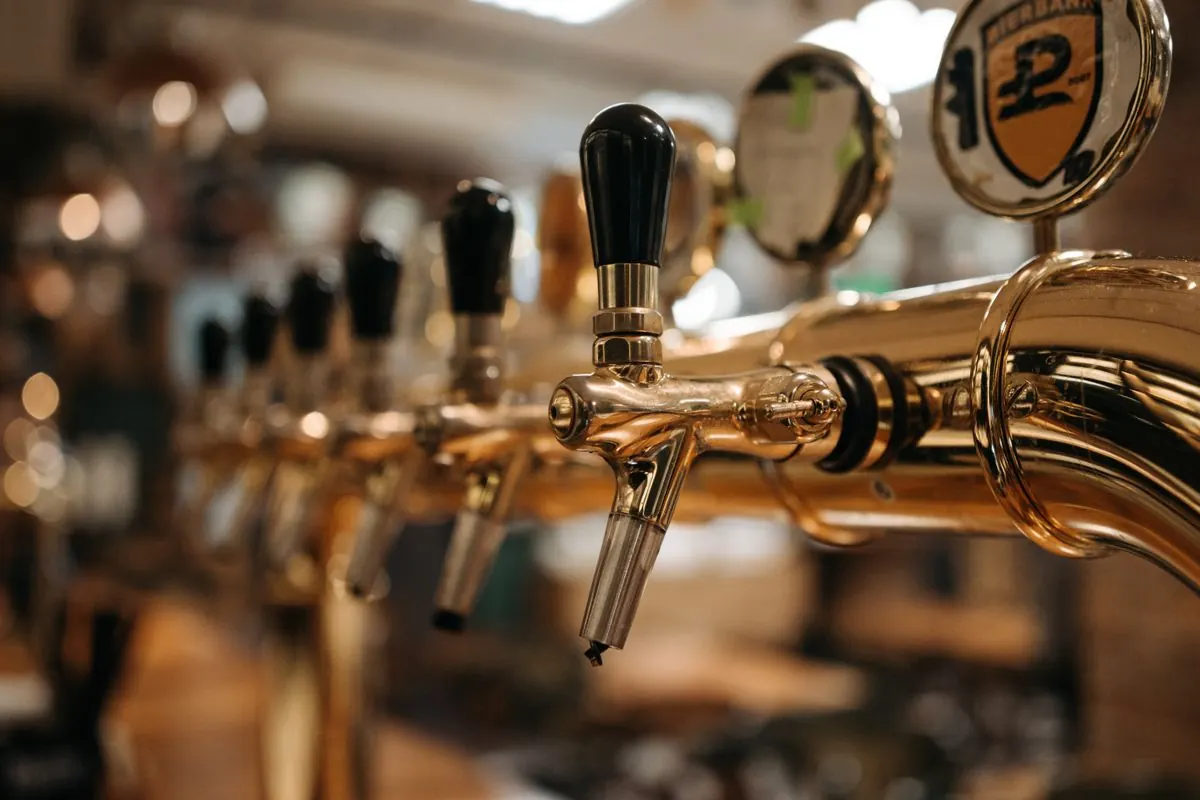
A growing number of Wisconsin taprooms use self-pour wall systems, where a customer links a card – often via an RFID wristband or card-linked tap handle – and pours their own beer, paying by the ounce. This is a meaningfully different payment architecture than a standard bar tab: the card is authorized once at check-in, and the system tracks and bills incremental pours rather than discrete rounds.
If a taproom is considering self-pour, the payment processor and self-pour hardware need to be compatible. This is not a universal plug-and-play integration, and it is worth confirming compatibility with a specific self-pour vendor before either purchase.
Distribution Sales vs. Taproom Sales: Separate Payment Considerations
Many Wisconsin breweries sell through two channels with very different payment needs: direct taproom sales, covered above, and wholesale distribution to bars, restaurants and liquor stores. Distribution invoicing is a B2B payment problem – larger transactions, net-30 or similar terms, ACH or check often alongside card – and generally needs a separate invoicing or virtual terminal setup from the taproom’s point-of-sale system rather than trying to force both use cases through one tool. Breweries doing both should plan for two distinct payment workflows rather than expecting one system to serve both well.
Brewery Taproom POS FAQ
What is the difference between a taproom POS and a restaurant POS?
The core difference is tab-based workflow versus table-based workflow. A taproom needs fast bar-tab open and close, card-on-file holds, and split-tab handling optimized for a standing or bar environment. A table-service restaurant POS is built around seating charts and course timing that a taproom does not use.
How does tip pooling work with a modern POS system?
Most POS systems let you configure tip pools by shift, by role such as bartender versus server, or by a custom split, then generate a report at shift-close showing each employee’s share – eliminating manual tip-tape reconciliation.
Do we need a different payment setup for festival or event sales versus the taproom itself?
You can generally use the same processor account with a mobile card reader for off-site sales, but confirm the reader supports EMV chip and tap, not just magstripe swipe or manual key-entry, to keep chargeback liability lower on those transactions.
Are there processors that do not penalize seasonal Wisconsin breweries for slow winter months?
Yes. Ask specifically about monthly minimum fees and contract length before signing. Some processors have no monthly minimum, others do. This is a negotiable, checkable term, not a fixed industry standard.
Can our POS handle frequent tap-list and pricing changes?
Most modern cloud-based POS systems support quick menu and price edits from a back-office dashboard, often from a phone or tablet. Worth testing in a demo before purchase if your tap list turns over weekly, since ease of update varies a lot between systems.
What happens if a customer’s tab card is declined after they have already ordered several rounds?
This is why card-on-file authorization holds at tab-open matter. A hold at the start, even a modest one, flags a problem card before a large tab accumulates, rather than discovering a declined card only at closeout.
How much does POS hardware cost for a new taproom?
Costs vary widely by system and number of terminals needed, from a single tablet-based setup for a small taproom to a multi-terminal system for a larger space with multiple bar stations. Get quotes for the specific configuration – number of terminals, mobile readers for events, kitchen display if food is served – rather than comparing generic advertised starting prices, which rarely reflect a real multi-terminal taproom setup.
Can one payment system handle both the taproom and an attached restaurant or kitchen?
Many modern POS platforms support both use cases within one system – a bar and tab mode for the taproom side and a table-service mode for a kitchen – but confirm this explicitly with a vendor rather than assuming, since some systems are genuinely better at one than the other and treat the second as an afterthought.
Choosing Equipment for a New or Growing Taproom
A taproom opening its first location or expanding into a second bar station has a few practical equipment decisions beyond software: how many terminals the bar actually needs during a rush – understaffing terminals creates a bottleneck faster than understaffing bartenders in a lot of taprooms – whether a kitchen display system is worth it if food service is limited to a small snack menu, and whether mobile readers for event and festival sales should be a separate purchase or the same hardware used at the bar, carried out for off-site pours.
Getting this right at the planning stage avoids a mid-season hardware upgrade during the exact weeks a taproom can least afford the disruption: late spring into early fall, when most Wisconsin taprooms see their heaviest traffic. Our guide to the features that matter in restaurant merchant services covers the hardware questions in more depth.
Working With a Payment Partner Who Knows the Wisconsin Taproom Market
Wisconsin’s brewery and taproom scene has grown fast enough that “restaurant POS” and “taproom POS” have become genuinely different shopping categories, even though most national POS vendors still market them as one thing. A processor or POS reseller who has actually set up taprooms in this state – and understands the seasonal swing of a Dells-area or lake-town taproom versus the steadier year-round traffic of a Madison or Milwaukee location – tends to ask better questions during setup than one applying a generic restaurant template: how many terminals for a Saturday rush, whether self-pour is part of the roadmap, how event and off-site sales should be tracked separately from taproom sales for accounting purposes.
That local familiarity is worth weighing alongside rate comparisons, not as a replacement for them. If you are already running a taproom and wondering whether your current setup is costing you, start with our guide to credit card processing fees in Wisconsin, then read how to switch credit card processors without disrupting a busy season.





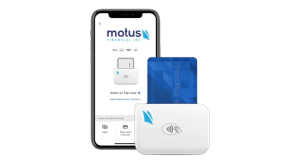
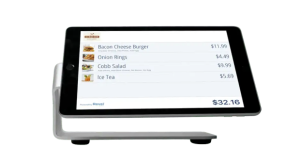 Our POS systems are designed to streamline in-store transactions. With features like inventory management, sales reporting, and customer tracking, our POS solutions help you run your business more efficiently. Our terminals are compatible with various payment methods, including chip cards, contactless payments, and mobile wallets.