How Wisconsin Healthcare Practices Can Accept HSA and FSA Cards Without Payment Confusion
How Wisconsin Healthcare Practices Can Accept HSA and FSA Cards Without Payment Confusion
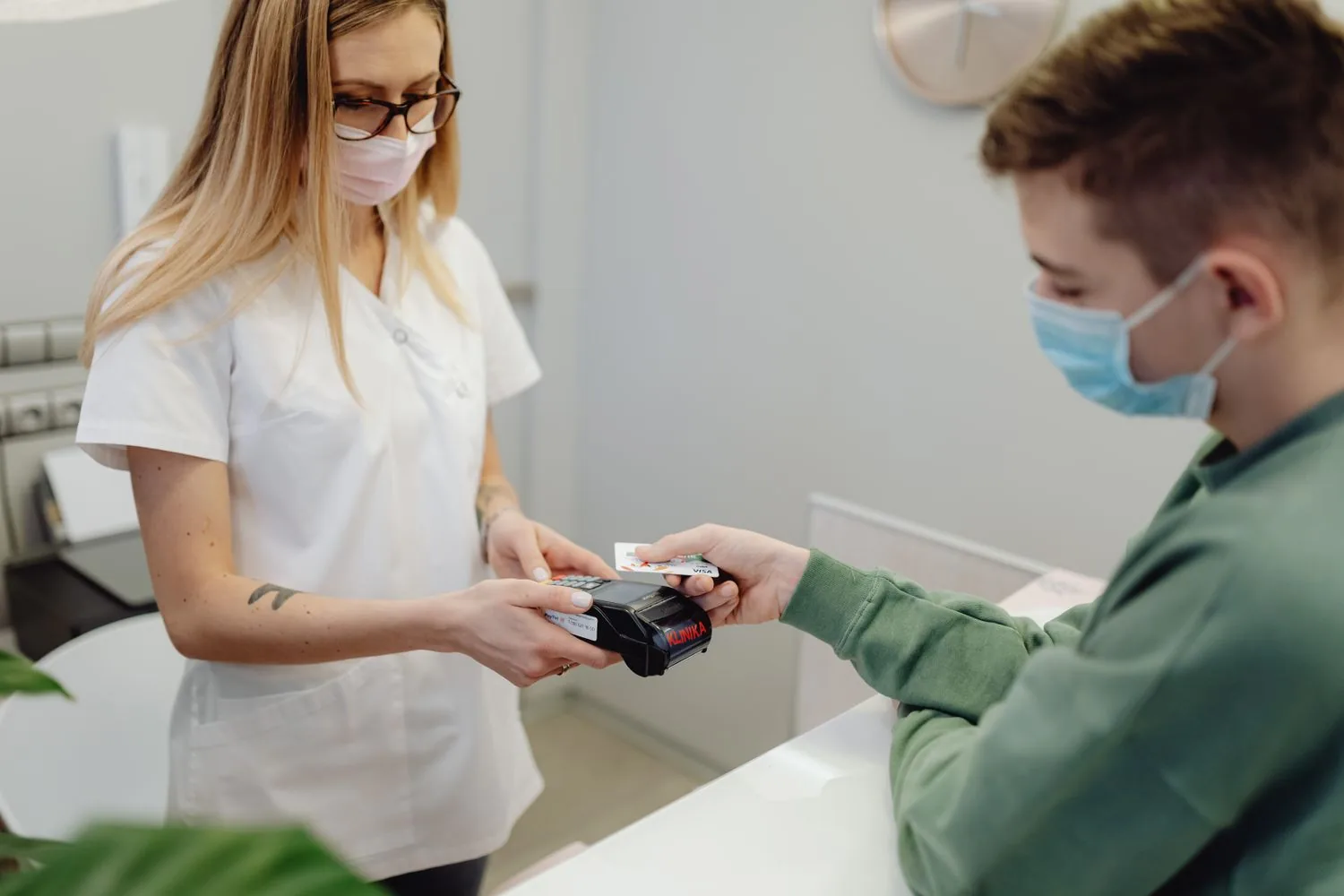
A patient finishes a visit, hands over a health savings account card, and the terminal says declined. The patient is sure the card has money on it. Your front desk is sure the terminal works. Three more people are waiting. For many Wisconsin practices, that moment decides whether HSA and FSA card payments feel routine or turn into another phone call.
Below is a front-desk routine for HSA and FSA cards: what to check when one declines, how to split a bill, when to store a card, and what to put on the receipt. It is not tax, legal, medical or HIPAA compliance advice. For the wider picture, see our healthcare payment solutions page.
Key Takeaways
- Eligibility is set by IRS rules and, for an FSA, by the employer’s plan. Your practice and your processor never decide it.
- Whether a card works depends on the issuer, the plan and your merchant category code.
- A short checklist turns a decline into a clear next step for the patient.
- Decide in advance how split payments, balances and refunds work, and ask about partial authorization.
- Store a card only with written permission, and give receipts that show the date of service, provider and amount.
Which Practices This Fits
It fits Wisconsin clinics and dental, chiropractic, therapy and medical offices that collect copays, deductibles or balances from patients paying with HSA or FSA cards.
It is less useful if nearly all your revenue comes from insurance. It also does little for veterinary clinics, because IRS Publication 502 says veterinary fees generally can’t be included in medical expenses, apart from care for a qualifying service animal. Our guide to payment processing for Wisconsin veterinary clinics covers what matters there.
Why HSA and FSA Card Payments Cause Confusion
Eligibility is not the practice’s call
An HSA is an account the patient owns. A health FSA, or flexible spending arrangement, is set up by an employer. IRS Publication 969 ties qualified HSA expenses to medical care as the tax code defines it. For a health FSA, they are the expenses the plan specifies that would generally qualify for the medical and dental expense deduction. Publication 502 explains that deduction and lists items that generally don’t qualify, such as cosmetic surgery and teeth whitening.
So staff should not rule on eligibility. Explain the charge and give a clear receipt. The patient, and for an FSA the plan, decide the rest.
How a card knows where it is used
Every merchant account carries a merchant category code, or MCC, that describes the type of business. Under IRS Notice 2007-2, health FSA and health reimbursement arrangement (HRA) debit cards may not be used at a merchant without a healthcare merchant category code unless the merchant has an inventory information approval system, or IIAS. IIAS mainly matters for stores such as supermarkets and pharmacies. HSA cards are often restricted the same way, but that is the card issuer’s choice.
If your account’s code does not reflect your practice, eligible cards may be declined. If a visit includes items that may not be eligible, such as whitening kits or retail products, ring them up as a separate sale so the benefit card charge and receipt cover only the treatment.
What Front-Desk Staff Should Verify
Use a checklist like this one so a decline does not become a debate at the counter.
| What to check | Why it matters | What staff can do |
|---|---|---|
| Is it an HSA, FSA or regular card? | Rules and next steps differ | Ask which account it draws on |
| Was it run the right way? | Some benefit cards need a specific terminal option | Retry once using your processor’s benefit card steps. After a second decline, offer another payment method |
| What does the decline say? | A low balance and a merchant code block need different fixes | Note the message for the patient |
| Is the service already provided? | FSAs generally cannot pay for future expenses | Avoid prepaying treatment on FSA cards. Orthodontia can be an exception |
| Does the patient want to split it? | The balance may not cover the bill | Use partial authorization if available, then a second card |
| Is a receipt needed? | Plans may ask for proof of the expense | Give date of service, provider and amount |
| Is the card being saved? | Stored cards need permission | Use your written card-on-file authorization |
Partial Payments and Patient Balances
Split payments at checkout
Some patients use what is left in their HSA or FSA and put the rest on a personal card. Ask whether your terminal supports partial authorization, which lets a benefit card approve for the balance it has instead of declining the whole amount. Without it, a card with $60 left on a $150 bill may simply decline. Also check that both payments post to the same patient balance.
Balances after insurance
If you collect an estimate at the visit, decide how you will collect the rest after the claim: statement, phone, payment link or stored card.
Publication 969 says a health FSA can’t make advance reimbursements of future or projected expenses, so an upfront FSA charge for future treatment may be declined or questioned later. Orthodontic treatment can be an exception when the provider requires payment in advance, so the patient should check with their plan.
Refunds
Card rules generally expect a refund to go back to the card that was charged. Refunding an HSA or FSA payment in cash or to a different card can cause problems with the patient’s account, so ask your processor how to handle it, and let the patient know they may need to tell their plan.
Card on File, With the Patient’s Permission
Card on file for medical practices should only be used with the patient’s clear agreement. A written authorization usually says which card is stored, what it may be charged for, any limit or schedule, and how to cancel.
Card network and processor rules govern stored cards, and businesses that store card data have security duties under the PCI Data Security Standard. Ask how stored cards are protected, often through tokenization. Never keep card numbers in chart notes, spreadsheets or on paper.
Payment Links and Virtual Terminals for Balances
Payment links and phone payments widen your patient payment options for balances after insurance. A link by text or email lets a patient pay from home, and a virtual terminal lets staff take a payment when a patient calls.
A virtual terminal for patient balances runs in a web browser, and features such as receipts, refunds and stored cards depend on your setup. Our guide on how to choose between a payment gateway and a virtual terminal includes a healthcare example. Keep payment messages short, and ask your compliance lead what patient details may appear in them.
Receipts, Itemization and Reporting
Patient receipts
Publication 969 says a health FSA participant must give the plan a written statement from an independent third party showing that the expense was incurred and its amount. A receipt with the practice name, date of service, a general description and the amount paid saves a second call, though the plan decides what it accepts. IRS guidance also treats some benefit card charges as conditional until confirmed, so patients may return weeks later asking for a receipt.
Daily reporting
Check that each card payment matches a patient account in your practice software and that reports show payments by type and staff member. When you match batches to bank deposits, remember that deposits may combine several payment methods and may arrive with fees already taken out.
The Role of Your Payment Processor
Your processor sets up the merchant account and its category code, supplies terminals and payment links, and provides reporting. It does not decide eligibility, approve plan claims or replace your tax, legal or compliance advisors.
Declines usually come from the card issuer or the plan’s rules rather than the processor. A good provider can help you read decline codes and confirm your account is coded correctly, which is a fair test when comparing options for healthcare payment processing in Wisconsin.
Frequently Asked Questions
Why would a patient’s HSA or FSA card decline at a chiropractic, therapy or medical office?
Common reasons are a low balance, the wrong terminal option, a merchant category code that does not identify a healthcare provider, no partial authorization, or a plan limit. Start with the decline message. The patient may need to call their plan.
Does our practice decide whether a service is HSA or FSA eligible?
No. Eligibility is set by IRS rules and, for an FSA, by the employer’s plan. Staff can explain the charge and give a clear receipt.
Can a patient split a bill between an HSA card and a personal card?
Usually. With partial authorization, the benefit card approves for what is left on it and a second card covers the rest.
Can we keep an HSA or FSA card on file for balances after insurance?
Yes, with the patient’s written permission and within your processor’s rules. An FSA still generally cannot pay for services not yet provided.
What should an itemized receipt show?
Usually the practice name, date of service, a description of the service and the amount paid.
Do HSA and FSA cards work at a veterinary clinic?
Usually not for routine pet care. Vet clinics are generally not coded as healthcare merchants, so many benefit cards decline, and IRS Publication 502 says veterinary fees generally can’t be included in medical expenses. Care for a qualifying service animal is the exception, so owners should check with their plan.
The Bottom Line
Smooth HSA and FSA card payments come down to routine: the right merchant setup, a short checklist, a plan for balances and refunds, written permission for stored cards and clear receipts. For how Motus works across the state, see Wisconsin merchant services.
Seeing too many benefit card declines at the front desk? Request a payment workflow review for your Wisconsin healthcare practice. We will look at how your team collects payments and how your account is set up, and tell you plainly where a change would help and where your setup is already fine.
Sources
- IRS Publication 502, Medical and Dental Expenses, whose list of expenses that aren’t includible covers cosmetic surgery, teeth whitening and veterinary fees.
- IRS Publication 969, Health Savings Accounts and Other Tax-Favored Health Plans: Distributions From an HSA (qualified medical expenses) and Distributions From an FSA (plan-specified expenses, substantiation and the rule against advance reimbursement).
- IRS Notice 2007-2, which set the merchant category code and IIAS rule for health FSA and HRA debit cards.
- PCI Security Standards Council: PCI DSS, the security standard for businesses that accept payment cards.




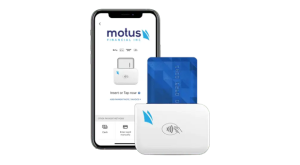
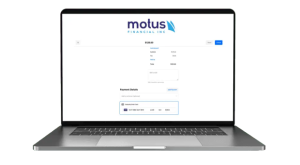
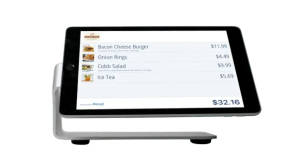 Our POS systems are designed to streamline in-store transactions. With features like inventory management, sales reporting, and customer tracking, our POS solutions help you run your business more efficiently. Our terminals are compatible with various payment methods, including chip cards, contactless payments, and mobile wallets.