
Clover vs. Square: Which POS Fits Your Wisconsin Business?
Clover vs. Square: Which POS Fits Your Wisconsin Business?
Clover vs Square is the comparison most Wisconsin business owners end up making when they shop for a new point of sale system. Both are well known, both work for restaurants and retail, and both run on sleek hardware. The real differences are in how you buy them, how processing is priced, and what happens if you want to leave. This guide lays those differences out side by side so you can choose the one that fits your business.
Motus Financial is an official Square partner and also sets up Clover, so we see both every week. We have kept this comparison even-handed. For our full range of systems, see POS equipment.
Key Takeaways
- Square sells directly, publishes its processing rates and offers a free plan with no long-term contract.
- Clover is made by Fiserv and is sold mainly through banks and resellers, so pricing and contract terms depend on who sells it to you.
- Square usually wins on simplicity and setup speed. Clover often appeals to higher-volume businesses that want a quoted rate and a wide choice of hardware and apps.
- Ask about exit terms and hardware before you sign. That is where the two differ most.
Clover and Square at a Glance
| Square | Clover | |
|---|---|---|
| Who makes it | Block, Inc. | Fiserv |
| How you buy it | Directly from Square, or through a Square partner | From Clover, or through a bank or reseller |
| Processing | Square only, published flat rates | Set by the seller: flat, tiered or interchange-plus |
| Software plans | Free plan plus paid Plus and Premium plans | Monthly plans that vary by seller and business type |
| Contract | No long-term contract on standard plans | Depends on the seller; ask about term and exit cost |
| Hardware | Square Reader, Terminal, Handheld, Stand and Register | Clover Go, Flex, Mini, Station Solo and Station Duo, Kiosk |
| Apps | Square’s own features plus an app marketplace | Large Clover App Market |
Details change often, so confirm current pricing and terms with each company before you decide.
Hardware and Upfront Cost
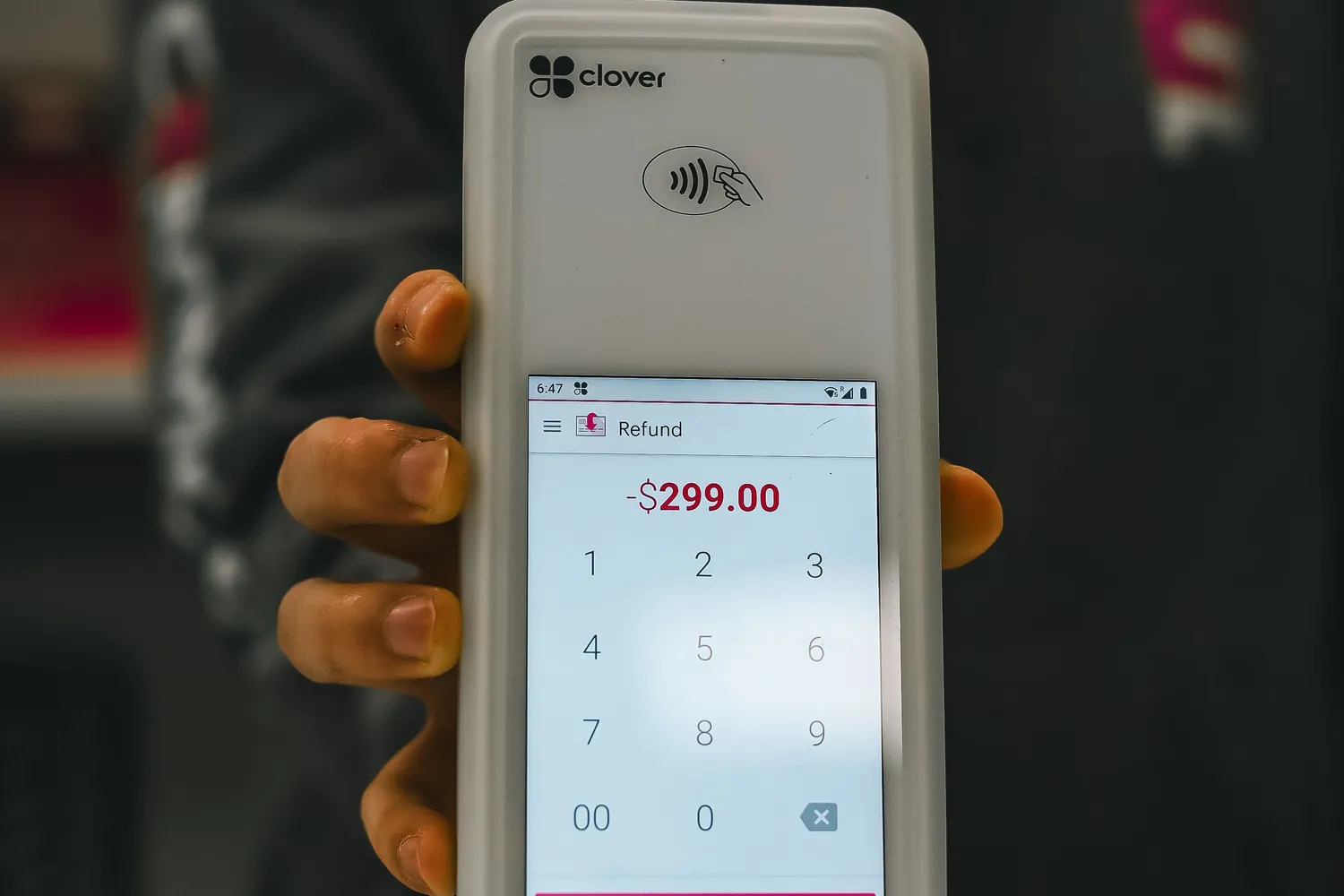
Both brands offer a full range, from a small card reader that pairs with a phone to a countertop station with a customer-facing screen. Square’s lineup is sold at published prices and can be bought outright. Clover hardware is often bundled into a reseller’s offer, sometimes as a purchase and sometimes as a lease or monthly payment.
Ask one question about any Clover device: if you leave this provider, can you keep using it? Clover devices are usually set up to the account they were sold with, so hardware bought through one seller may not move with you. Square hardware works with Square’s own processing only, so it also stays with Square.
Processing Fees and Who Your Processor Is
This is the biggest difference between Clover vs Square.
Square processes its own payments and publishes the rates. As of November 2026, its published fees on the Free plan are 2.6% + 15 cents for tapped, dipped or swiped cards, 3.3% + 30 cents for online payments, and 3.5% + 15 cents for keyed-in cards, with lower in-person rates on its paid plans. Predictable and simple, but the same rate applies whether the customer uses a debit card or a premium rewards card.
Clover processing is priced by whoever sells it to you. That could be a flat rate, tiered pricing or interchange-plus. Higher-volume businesses, or those with a lot of debit card sales, can sometimes pay less with a quoted interchange-plus rate. They can also pay more if the contract is poor. Read our comparison of interchange-plus vs. flat-rate pricing to see which model fits your sales.
The fair way to compare is your effective rate: total fees divided by total card sales. Use a real month of your own sales for both quotes.
Contracts and What Happens If You Leave
Square’s standard plans have no long-term contract, and its pricing page says you can cancel or switch anytime. Clover contract terms are set by the seller. Some offer month-to-month terms, while others use multi-year agreements with an early termination fee. Before signing for Clover, ask for:
- The length of the agreement and whether it renews automatically.
- The early termination fee, if any.
- Whether the hardware is owned, leased or financed, and what you owe if you leave.

Best Fit by Type of Business
Restaurants and cafes
Both have restaurant versions with tips, tabs and kitchen tickets. Square is a common choice for counter-service cafes and food trucks that want to be running the same week. See our guide to Square POS for Wisconsin restaurants. Clover suits full-service restaurants that want a station plus handhelds and a quoted processing rate.
Retail shops
Both handle inventory, barcodes and returns well for small and mid-size shops. If you carry thousands of items, such as a liquor or grocery store, also look at KORONA POS. Our Square vs. KORONA POS comparison explains when that makes more sense.
Service businesses
Salons, contractors and professional services often need invoices, card-on-file and appointments more than a countertop station. Square’s free tools cover a lot of this. Clover works too, especially with apps from its marketplace.
Where Local Setup and Support Fit In
Either system can be bought online and set up yourself. Many owners still prefer help with menu or inventory setup, staff training, and a single local contact when something goes wrong. That is the part Motus Financial adds. You get the same Square or Clover system, with someone in Wisconsin who knows your setup. For businesses around the capital, see POS systems in Madison, WI.

Clover vs Square FAQ
Is Clover or Square cheaper?
It depends on your sales. Square’s published flat rates are easy to predict and often suit smaller businesses. A quoted interchange-plus rate on Clover can cost less for higher-volume businesses or those with many debit card sales, but it can also cost more. Compare your effective rate on a real month of sales.
Does Clover require a contract?
That depends on who sells it to you. Clover is sold through banks and resellers, and their terms differ. Ask for the agreement length, renewal terms and any early termination fee before you sign.
Can I use Clover hardware with a different processor?
Usually not. Clover devices are normally set up to the merchant account they were sold with, so hardware may not move with you if you change providers. Ask before buying or reusing a Clover device.
Can I use Square hardware with another processor?
No. Square hardware works with Square’s own processing. If you leave Square, you will need new hardware.
Which is better for a restaurant, Clover or Square?
Both have restaurant versions. Square is popular with cafes, food trucks and counter-service restaurants. Clover is common in full-service restaurants that want stations plus handhelds. Demo your busiest service before deciding.
Can Motus Financial set up either system?
Yes. Motus Financial is an official Square partner and also sets up Clover, with setup, training and local support for Wisconsin businesses.
The Bottom Line
Choose Square if you want published pricing, no contract and fast setup. Choose Clover if you want a quoted processing rate, a wide hardware range and a big app market, and you are comfortable reading the seller’s contract closely. In both cases, compare your real effective rate and ask what happens to your hardware if you leave.
Still deciding? Request a POS consultation with Motus Financial. Bring a recent statement and a list of how you take payments, and we will show you how Clover vs Square would compare for your business, side by side. You can also read more about retail POS systems in Wisconsin.





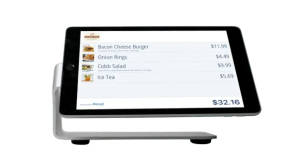 Our POS systems are designed to streamline in-store transactions. With features like inventory management, sales reporting, and customer tracking, our POS solutions help you run your business more efficiently. Our terminals are compatible with various payment methods, including chip cards, contactless payments, and mobile wallets.