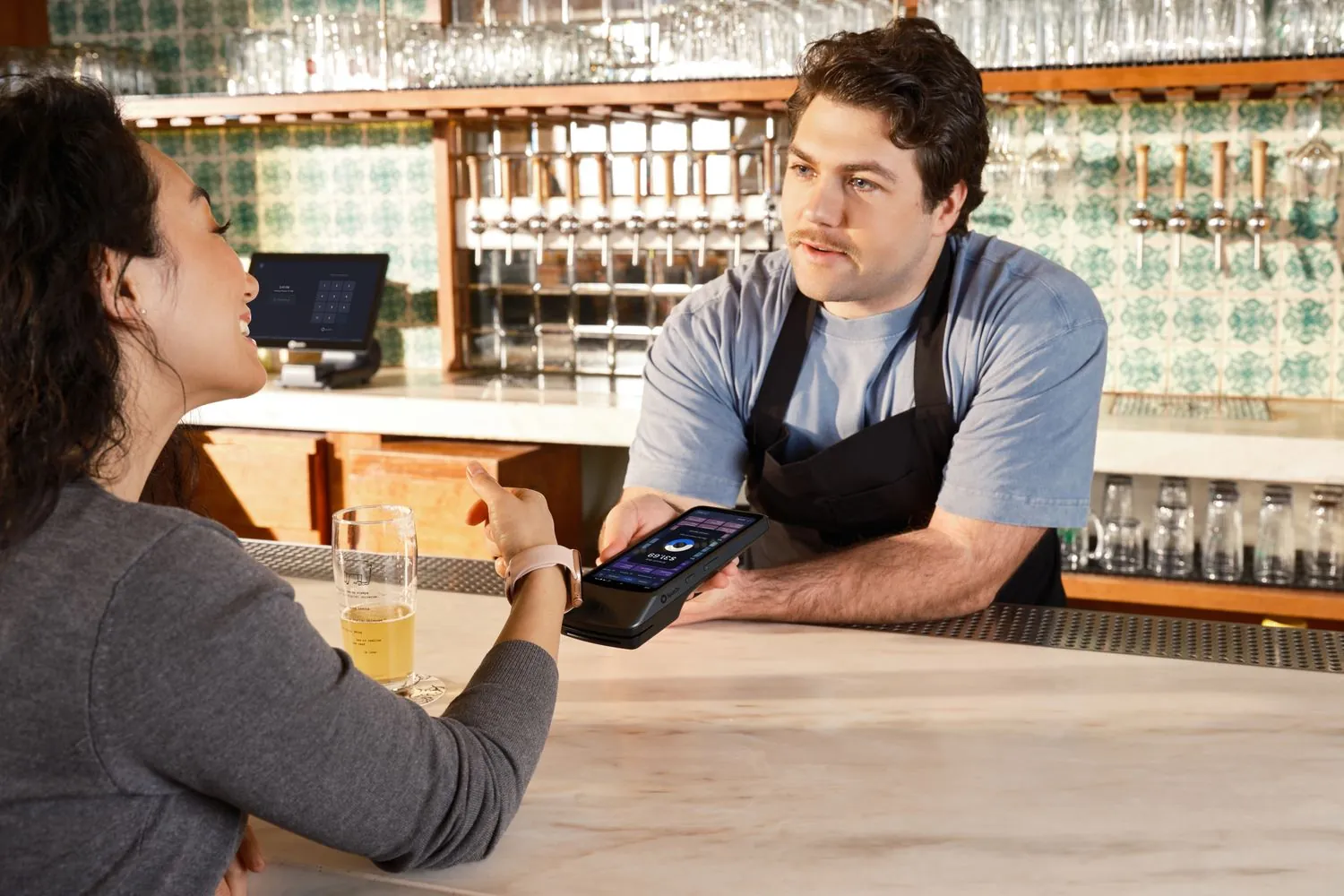

Square POS for Wisconsin Restaurants: Setup, Fees, and What to Expect
Square POS for Wisconsin Restaurants: Setup, Fees, and What to Expect
Square is one of the most widely used point of sale platforms in the restaurant industry, and for good reason. It handles fast checkout, tip processing, and split checks well, and a new restaurant can be taking payments within a day of ordering hardware. Here is what a Wisconsin restaurant owner should actually know before switching to Square POS, beyond the marketing pitch.
Key Takeaways
- Square’s hardware options (Square Terminal, Square Stand, Square Register) fit different restaurant sizes and service styles, and choosing the wrong one is a common setup mistake.
- Standard Square processing fees are published and predictable, but the real cost comparison should include hardware, any add on software fees, and how the fee structure compares to what a restaurant is paying today.
- Tip processing and split check handling work well out of the box, but tip pooling across shifts needs to be configured correctly to match how a restaurant actually splits tips.
- Square fits quick service and counter service restaurants especially well. Full service restaurants with table management and course timing needs may need to evaluate Square’s restaurant specific tier versus its basic tier.
- Local setup and hardware selection through a channel partner can shorten the time from signup to a fully working system, and gives the restaurant a real point of contact instead of a support queue.
Choosing the Right Square Hardware for Your Restaurant

Square offers several hardware configurations, and picking the wrong one is one of the most common setup mistakes restaurants make. Square Stand and Square Register are countertop solutions suited to a fixed checkout point, common in quick service and counter service restaurants. Square Terminal is a standalone, portable device that works well for a smaller restaurant or a food truck. A full service restaurant with tableside ordering may need multiple terminals or handheld devices for servers, which changes both the hardware cost and the setup complexity compared to a single counter register.
Understanding Square’s Fee Structure
Square publishes its standard processing rates, which makes the pricing more transparent than some competitors. That said, the advertised rate is only part of the real cost. A restaurant should also factor in any monthly software fees for restaurant specific features (table management, course timing, kitchen display integration), the cost of additional hardware for multiple stations, and whether an existing processor’s contract has an early termination fee that would apply when switching. Comparing the full cost, not just the headline processing rate, is the only way to know if switching actually saves money.
Tip Processing and Split Checks

Square handles both tip prompts and split checks well by default, but tip pooling needs configuration to match how a specific restaurant actually splits tips among staff. A restaurant that pools tips by shift, by role, or by a custom formula should confirm the tip pooling setup reflects that exact structure before going live, rather than assuming the default settings match the restaurant’s actual policy.
Quick Service vs. Full Service: Where Square Fits Best
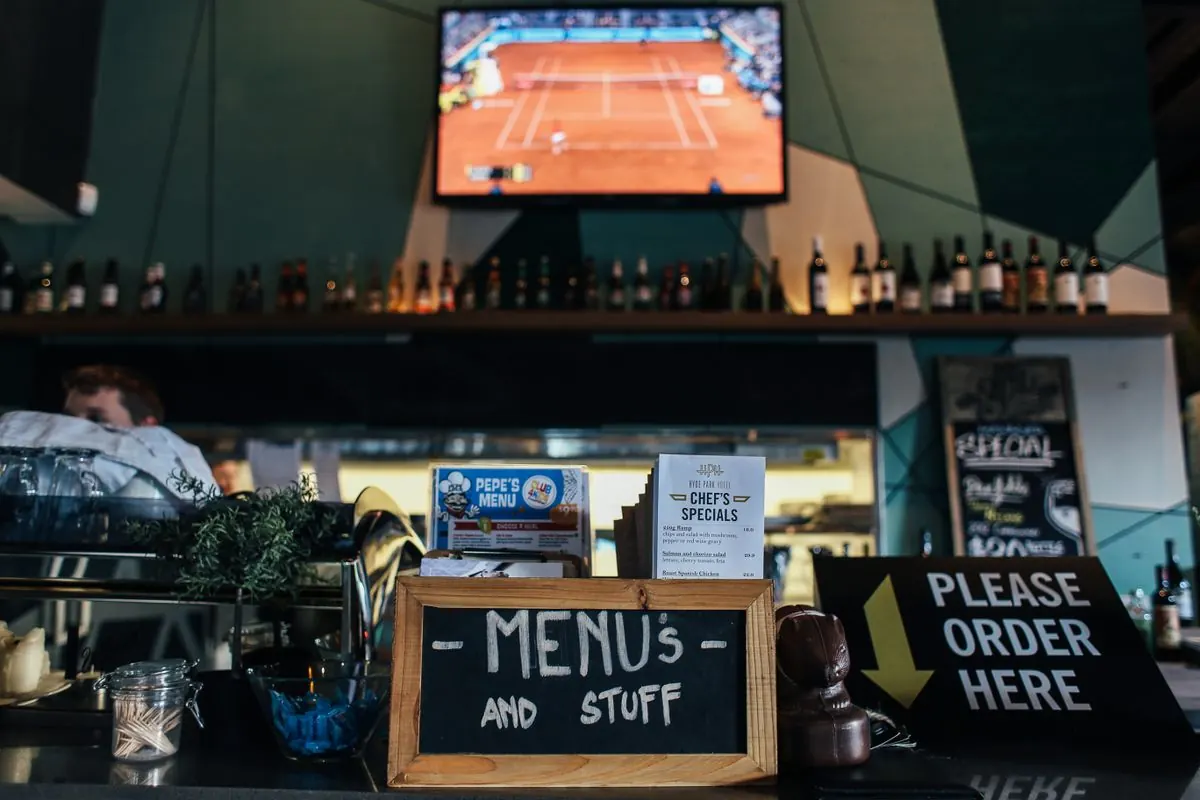
Square’s core strength is speed and simplicity, which makes it a particularly strong fit for quick service and counter service restaurants where the main need is fast checkout and simple menu management. Full service restaurants with more complex table management, course timing, and server assignment needs should look specifically at Square’s restaurant focused product tier, since the basic Square for Retail or general Square POS may not include the table and course management features a full service restaurant needs.
What Local Setup Adds Beyond a Self Service Signup
A restaurant can sign up for Square directly and configure everything itself, and many do. What that self service path does not include is someone who has actually set up restaurants in Wisconsin before: knowing which hardware configuration fits a specific kitchen layout, how to configure tip pooling to match a specific staffing model, and who to call when a terminal has an issue during a Friday night rush. That is the value a local channel partner adds on top of the software itself.
Related reading: Square vs. KORONA POS and switching to Square or KORONA POS.
Square POS FAQ
How long does it take to set up Square for a new restaurant?
A basic setup can be running within a day for a simple quick service concept. A full service restaurant with multiple terminals, table management, and staff training typically takes longer, often one to two weeks for a smooth rollout.
Does Square work for both counter service and full table service restaurants?
Yes, but full service restaurants should confirm they are using Square’s restaurant specific product tier, which includes table management and course timing features not included in the basic Square POS.
What happens to our existing menu data when we switch to Square?
Menu data generally needs to be re-entered or imported into Square’s system. This is a good opportunity to clean up menu items, pricing, and modifiers rather than a purely mechanical transfer.
Can Square handle online ordering and delivery integration?
Yes, Square offers online ordering tools that can integrate with in-house delivery or third party delivery platforms, though the specific integrations available can change, so confirm current compatibility before assuming a specific delivery platform is supported.
Is there a cost difference between Square’s basic and restaurant specific plans?
Yes, Square’s restaurant specific tier generally carries a monthly software fee not included in the free basic tier, in exchange for restaurant specific features like table and course management.
Do we need new hardware if we already have Square from a previous business?
Not necessarily. Existing compatible Square hardware may carry over, but confirm compatibility with current models before assuming older hardware will work with a new setup.




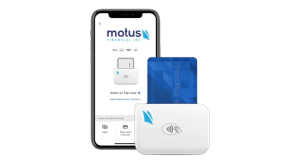
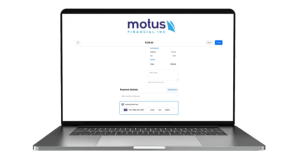
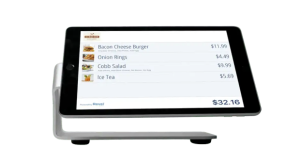 Our POS systems are designed to streamline in-store transactions. With features like inventory management, sales reporting, and customer tracking, our POS solutions help you run your business more efficiently. Our terminals are compatible with various payment methods, including chip cards, contactless payments, and mobile wallets.