

KORONA POS for Wisconsin Retailers: Built for Inventory Heavy Businesses
KORONA POS for Wisconsin Retailers: Built for Inventory Heavy Businesses
Most point of sale systems are built around checkout. KORONA POS is built around inventory, with checkout as one part of a larger system. For Wisconsin retailers managing hundreds or thousands of SKUs, tracking shrinkage, or running the same inventory across multiple locations, that difference matters more than almost any other feature comparison.
Key Takeaways
- KORONA POS is built for retailers with real inventory complexity: grocery stores, liquor stores, specialty food shops, and multi location gift or retail chains.
- Age verification prompts at checkout are a standard feature, relevant for any retailer selling alcohol, tobacco, or age restricted products.
- Real time, cross location inventory sync means a multi location retailer can see stock levels across every store from one dashboard.
- Shrinkage and loss prevention reporting flags inventory discrepancies that a simpler POS system would not surface at all.
- KORONA’s flat monthly software fee (rather than a percentage of sales) can be a meaningful cost advantage for high volume, lower margin retailers once the numbers are actually run.
Why Inventory Depth Matters for These Retailers
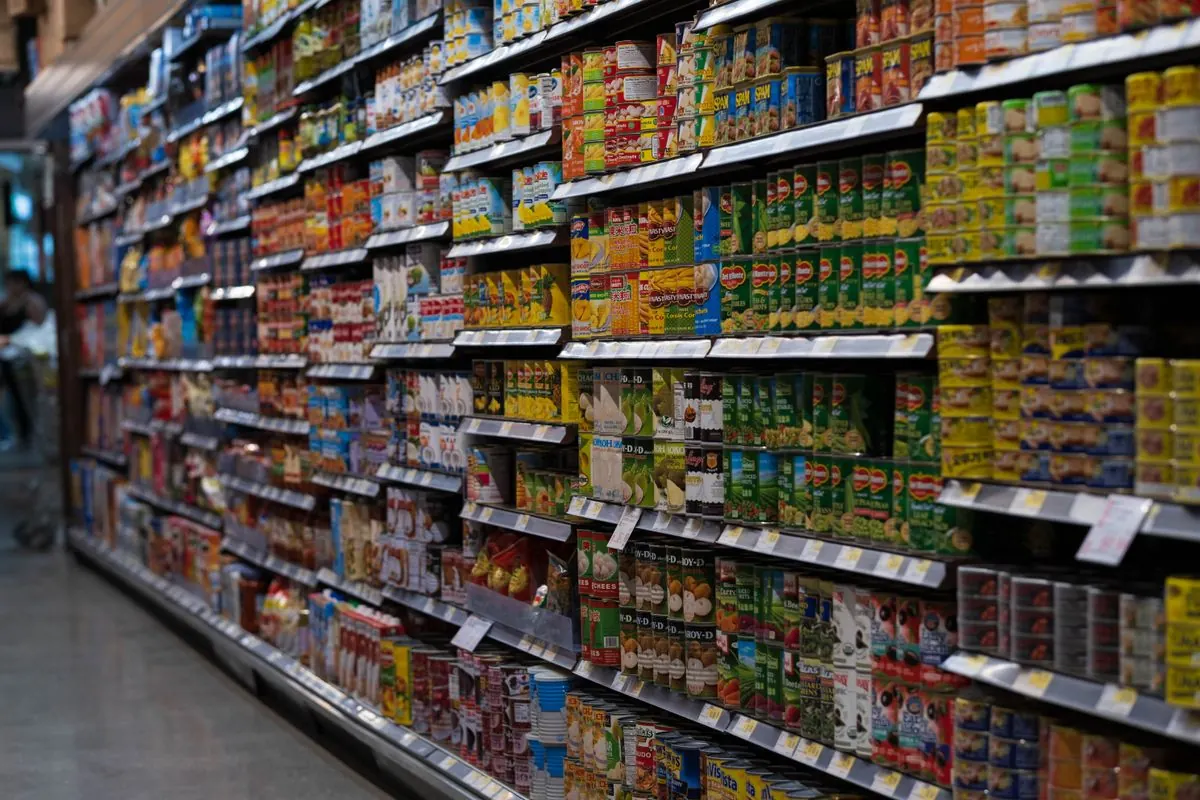
A liquor store might carry eight hundred or more distinct SKUs across wine, beer, and spirits, each with different vendor relationships, reorder points, and margins. A grocery or specialty food retailer deals with perishable inventory, weight based pricing, and tighter margins where a few percentage points of shrinkage can meaningfully affect profitability. A multi location gift shop needs to know not just what is in stock at one location, but how inventory compares across all of them, to decide where to transfer stock instead of over-ordering everywhere. A basic POS system treats inventory as a side feature. KORONA treats it as the core problem it is solving.
Age Verification and Compliance Features
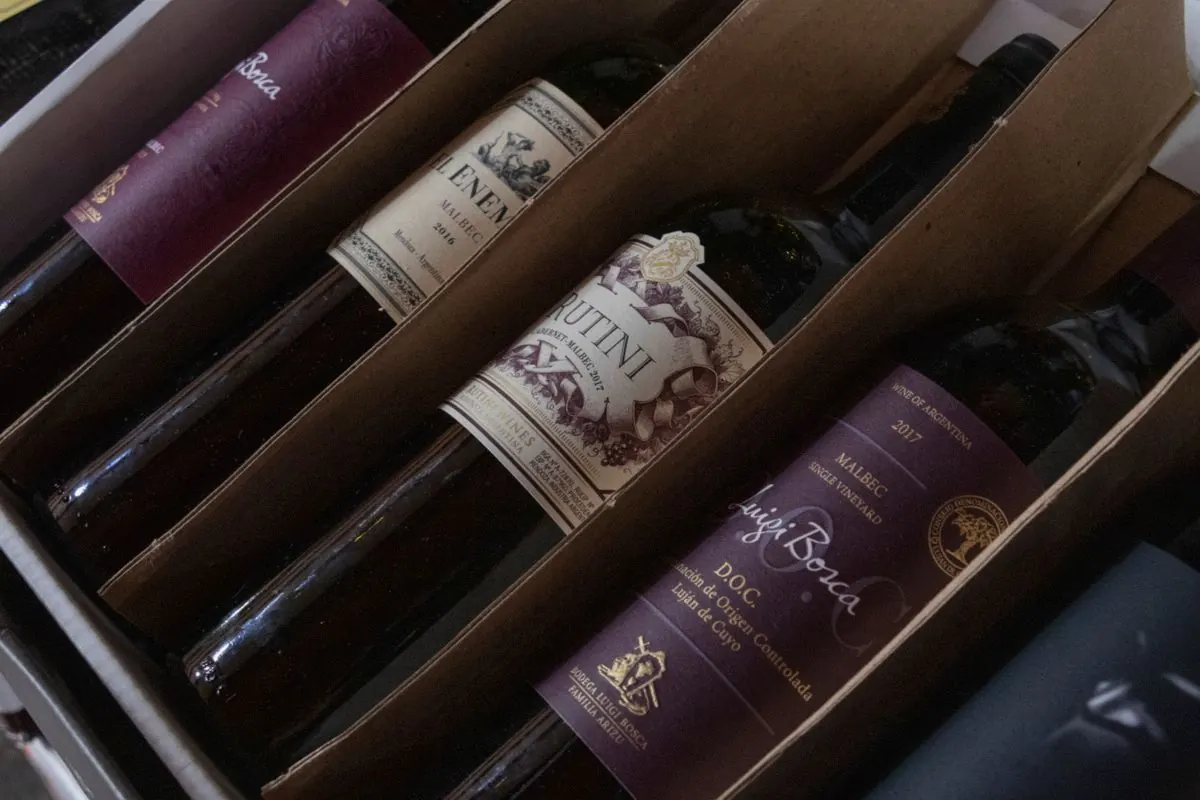
For liquor stores, tobacco retailers, and similar age restricted businesses, KORONA POS includes built in age verification prompts at checkout, a straightforward but important compliance feature that reduces the risk of an accidental sale to an underage customer. This is not a bolt on feature. It is built into the standard checkout flow, which matters for a retailer that cannot afford to rely on staff remembering to ask for ID every time.
Multi Location Inventory Management
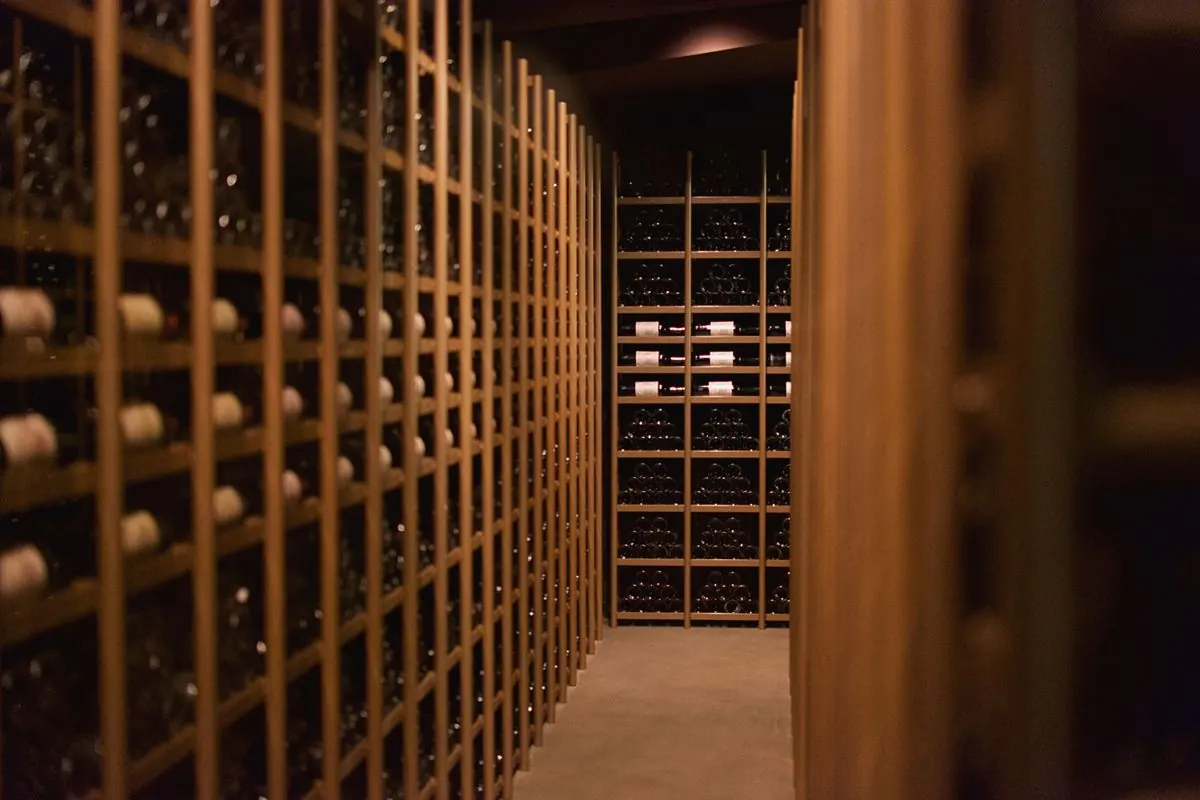
A retailer running two or three locations across the Madison area or wider Wisconsin faces a specific challenge: knowing what is in stock where, without physically checking each location. KORONA POS’s cross location inventory sync gives a real time view of stock levels across every connected store, which supports smarter decisions about transferring inventory between locations instead of over-ordering for each one independently, and gives central management visibility into performance differences between stores.
Shrinkage and Loss Prevention Reporting
Inventory shrinkage, the gap between what a system says should be in stock and what is actually there, is a real cost for any retailer, and it is difficult to catch without the right reporting tools. KORONA’s loss prevention reporting surfaces discrepancies that would otherwise go unnoticed in a simpler system, giving a retailer the data needed to investigate whether shrinkage is coming from theft, spoilage, administrative error, or something else, rather than just absorbing the loss without knowing why.
The Real Cost Comparison: Flat Fee vs. Percentage Based
KORONA POS charges a flat monthly software subscription rather than taking a percentage of sales through its core software fee (payment processing fees are separate and apply regardless of platform). For a high volume retailer with strong monthly sales, a flat fee can end up costing meaningfully less than a percentage based model that scales up with revenue. This is worth calculating against actual monthly sales volume rather than assuming either pricing structure is automatically better. A lower volume retailer might find a percentage based model cheaper, while a high volume grocery or liquor store often comes out ahead with a flat fee.
Related reading: Square vs. KORONA POS and switching to Square or KORONA POS.
KORONA POS FAQ
Is KORONA POS only for large retailers, or does it work for a single location shop?
KORONA works for single location retailers too, though the multi location features are most valuable for businesses running more than one store. The inventory depth and age verification features are useful for a single location liquor store or specialty retailer regardless of how many locations it has.
Does KORONA POS integrate with accounting software?
KORONA generally supports integration with common accounting platforms, though the specific integrations available can change, so confirm current compatibility with your specific accounting software before assuming support.
How long does it take to set up KORONA POS for a retailer with a large inventory?
Initial inventory setup takes real time, often more than a simpler POS system, because it involves configuring categories, reorder points, and vendor information for potentially hundreds of items. Working with a local partner for setup can shorten this significantly compared to configuring everything from scratch alone.
Can KORONA POS handle weight based pricing for grocery or specialty food items?
Yes, this is one of KORONA’s supported features and a common reason grocery and specialty food retailers choose it over a simpler system that only handles fixed unit pricing.
What kind of hardware does KORONA POS require?
KORONA is compatible with standard POS hardware including receipt printers, barcode scanners, and card readers, though specific compatible models should be confirmed before purchase.
Is KORONA POS harder to learn than a basic system like Square?
It generally takes more upfront setup time because it is doing more, but for a business that genuinely needs the inventory depth, that setup investment pays off in the ongoing operational time it saves compared to managing complex inventory in a system not built for it.





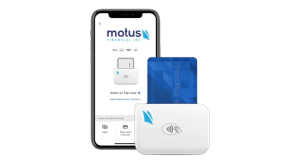
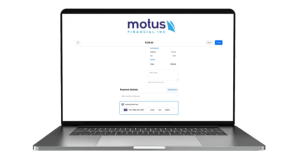
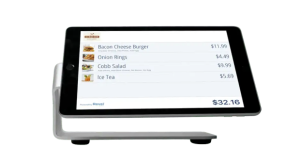 Our POS systems are designed to streamline in-store transactions. With features like inventory management, sales reporting, and customer tracking, our POS solutions help you run your business more efficiently. Our terminals are compatible with various payment methods, including chip cards, contactless payments, and mobile wallets.