
Square vs. KORONA POS: Which Is Right for Your Wisconsin Business?
Square vs. KORONA POS: Which Is Right for Your Wisconsin Business?
When it comes to Square vs. KORONA POS, both are strong point of sale platforms, but they are built for different problems. Square is built for speed: a business can sign up, get hardware, and start taking payments the same day. KORONA POS is built for depth: real time inventory tracking, loss prevention, and reporting for businesses managing hundreds or thousands of SKUs across one or more locations. The right choice depends less on which platform is “better” and more on what your business actually needs to track.
Key Takeaways
- Square is generally the better fit for restaurants, retail shops, and service businesses with straightforward inventory and a priority on fast setup and simple checkout.
- KORONA POS is generally the better fit for grocery stores, liquor stores, gift shops, and multi location retailers that need serious inventory management, shrinkage tracking, and age verification prompts.
- Square’s ecosystem (invoicing, online ordering, payroll add ons) is broader and easier for a business that wants one connected platform for everything.
- KORONA POS charges a flat monthly software fee rather than a percentage based model for its core software, which can matter for high volume, lower margin retailers.
- Both platforms support EMV chip and tap to pay hardware, so the Square vs. KORONA POS choice is rarely about basic payment security. It is almost always about inventory complexity and business type.
How Square and KORONA POS Actually Differ

The clearest way to think about the difference is transaction complexity versus inventory complexity. A coffee shop, a hair salon, or a quick service restaurant has relatively simple inventory (a short menu or a small set of retail add ons) and cares most about speed at checkout, tip processing, and ease of staff training. That is Square’s strength.
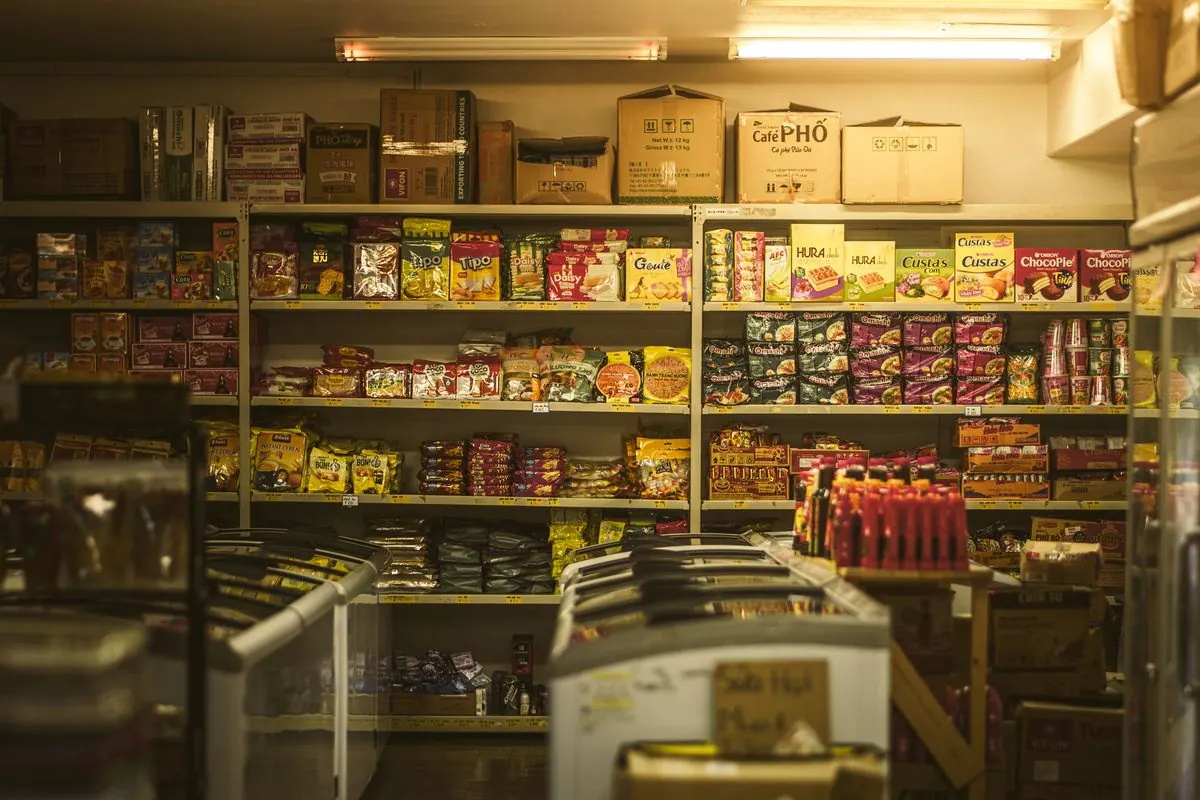
A liquor store carrying eight hundred SKUs, a grocery store tracking weight based and unit based items, or a gift shop chain running the same inventory across three locations has a fundamentally different problem. The checkout itself is not the hard part. Knowing what is in stock, what is about to run out, what is disappearing through shrinkage, and how inventory compares across locations is the hard part. That is KORONA POS’s strength.
Setup Speed and Ease of Use
Square is widely regarded as one of the fastest point of sale platforms to get running. A business can order hardware, download the app, and start processing payments within a day in many cases, with an interface most staff pick up with minimal training. KORONA POS has a steeper learning curve, mostly because it is doing more: configuring inventory categories, reorder points, and multi location settings takes real setup time up front, though that investment pays off for a business that actually needs the depth.
Inventory Management and Loss Prevention

This is where the two platforms diverge the most. Square’s inventory tools are solid for a business with a limited number of items and simple stock tracking. KORONA POS is built specifically for businesses that live and die by inventory accuracy: real time stock counts across locations, detailed shrinkage and loss prevention reporting, automated reorder alerts, and support for weight based pricing common in grocery and specialty food retail. A business that has outgrown a simple “count what’s on the shelf” approach and needs to know exactly where inventory is going will generally find KORONA’s depth worth the steeper setup.
Pricing Structure: A Real Difference to Understand
Square’s core software is largely free or low cost, with revenue coming primarily from payment processing fees on each transaction. KORONA POS generally charges a flat monthly software subscription per terminal, separate from payment processing. For a high volume, high transaction count retailer, a flat monthly fee can end up costing less overall than a percentage based model, even though the sticker price feels higher up front. This is worth running the actual numbers on for your specific transaction volume and average ticket size rather than assuming either model is automatically cheaper.
Square vs. KORONA POS: Which Business Types Fit Which Platform
| Business Type | Better Fit | Why |
|---|---|---|
| Restaurant (quick service or full service) | Square | Fast checkout, tip processing, simple menu inventory |
| Hair salon, spa, service business | Square | Simple inventory, appointment and invoicing tools |
| Boutique retail (limited SKUs) | Square | Easy setup, adequate inventory tools for a smaller catalog |
| Liquor store | KORONA POS | Age verification prompts, high SKU count, shrinkage tracking |
| Grocery or specialty food retail | KORONA POS | Weight based pricing, perishable inventory tracking |
| Multi location gift shop or retail chain | KORONA POS | Cross location inventory sync and reporting |
What a Local Partner Adds to Either Choice
Whichever side of the Square vs. KORONA POS decision you land on, signing up directly with either platform gets a business the software. What it does not automatically get is someone who knows how a Wisconsin liquor store’s age verification workflow should actually be configured, or how a Madison area restaurant’s tip pooling should be set up to match its actual staffing model. Working with a local channel partner means hardware selection, configuration, and training happen with someone who understands the business, not a generic onboarding script.
Related reading: switching to Square or KORONA POS and credit card solutions by industry.
Square vs. KORONA POS FAQ
Is KORONA POS more expensive than Square?
It depends on transaction volume. KORONA’s flat monthly fee can cost less than Square’s percentage based model for a high volume retailer, but more for a lower volume business. Compare based on your actual average monthly sales, not a generic price comparison.
Can Square handle a business with a lot of inventory?
Square can handle moderate inventory, but businesses with hundreds of SKUs, weight based pricing, or multi location inventory syncing generally find KORONA POS’s tools more built for that scale.
Does KORONA POS support age verification for alcohol and tobacco sales?
Yes, this is one of KORONA’s commonly used features for liquor stores, convenience stores, and similar retailers that need to prompt for ID verification at checkout.
Which platform is easier for a first time business owner to learn?
Square generally has a shorter learning curve because it is solving a simpler problem. KORONA POS takes more setup time but is built for businesses that need that additional depth.
Can a business switch from Square to KORONA POS later if it grows?
Yes, though it involves a real migration process (exporting data, reconfiguring inventory, retraining staff). It is worth choosing based on where the business is heading over the next couple of years, not just where it is today, to avoid an unnecessary switch.
Do both platforms work with the same card readers and terminals?
No, each platform generally requires its own compatible hardware. Confirm hardware compatibility before assuming existing equipment will carry over to a new platform.





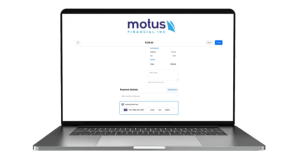
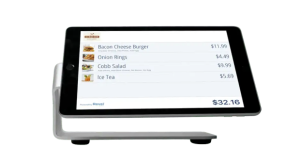 Our POS systems are designed to streamline in-store transactions. With features like inventory management, sales reporting, and customer tracking, our POS solutions help you run your business more efficiently. Our terminals are compatible with various payment methods, including chip cards, contactless payments, and mobile wallets.