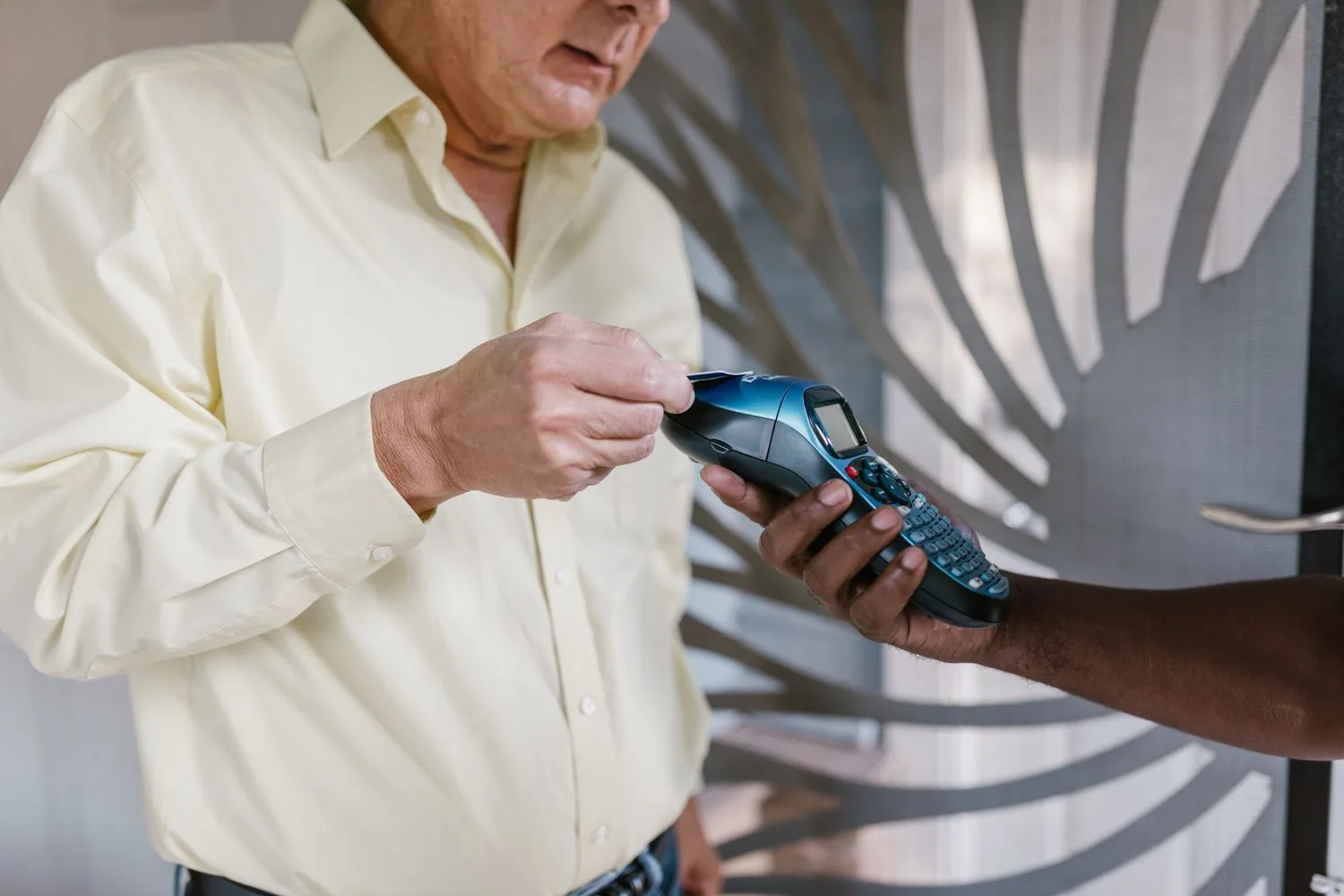

Wireless Credit Card Terminals for Wisconsin Contractors: 7 Things to Check Before You Buy
Wireless Credit Card Terminals for Wisconsin Contractors: 7 Things to Check Before You Buy
Most contractors buy a card terminal once and then live with it for years. If it cannot find a signal in a basement or a new build, or the office cannot tell which technician ran which card, you feel it on every job. This checklist covers the seven questions to ask before you buy a wireless credit card terminal for an HVAC, plumbing, electrical or remodeling crew in Wisconsin.
It is a buying checklist, not a product roundup. For the bigger picture, including deposits, financing and ACH, see our home services payment processing guide. This article stays on the hardware and the connection.
Key Takeaways
- Decide first how the terminal connects: cellular data, Wi-Fi, a paired phone, or a mix. That choice drives most of the others.
- Ask what happens when the signal drops. Offline acceptance, where it exists, usually has to be enabled and it carries risk.
- Make sure it takes tap, chip and mobile wallets, so card numbers are not keyed in by hand.
- Check that each deposit, progress payment and final balance can be tagged to the job.
- If several technicians take payments, confirm the office can see who collected what, and when.
- If you use scheduling or invoicing software, ask for the exact integration by name and test it before every truck depends on it.
- Ask who you call when a terminal fails on a Friday afternoon, and how fast a replacement arrives.
Who This Guide Is For, and Who It Is Not For
This checklist fits field-service owners whose technicians collect payment at the customer’s location. It is most useful if you are replacing an old terminal, adding a second or third mobile credit card terminal for a growing crew, or moving away from card numbers written on paper. If you are setting up a new account, our page on credit card processing for Wisconsin contractors covers the service side.
If most of your jobs are billed by invoice and paid later online, an emailed payment link or a virtual terminal at the office may serve you better than hardware in every truck. Our page on mobile credit card acceptance explains the lighter options.
7 Things to Check Before You Buy a Wireless Credit Card Terminal
1. How the terminal connects: cellular, Wi-Fi, or your phone
Wireless terminals reach the processor in one or more of three ways. A cellular terminal has its own data connection, usually through a SIM card, and many cellular models can also use Wi-Fi as a backup. A Wi-Fi terminal needs a network, which on a job site often means the customer’s network or a hotspot from a technician’s phone. A wireless card reader for contractors that pairs with a phone over Bluetooth uses that phone’s data. Some providers also let a technician take tap payments directly on a compatible phone with no separate reader, so ask whether that is available on your plan.
For crews in basements, new construction or rural areas, a cellular wireless credit card terminal or a reader paired to a phone with a strong data plan is usually the practical choice. Ask which carrier the terminal uses and check its coverage in the counties you serve. If you are replacing an older cellular terminal, confirm the new one runs on a current 4G LTE or 5G network, since 3G networks in the US have been shut down.
2. What happens when the signal drops
Some terminals offer an offline or store-and-forward mode: the terminal saves the card details securely and submits the payment once it reconnects. That can save a job in a dead zone, but it is not an approved payment. If the card is declined when the transaction finally goes through, the payment fails after the technician has left, and the loss is usually yours, not the processor’s.
Ask whether offline mode is available on the device, whether your processor has to enable it, what limits apply per transaction or per day, and how you are told about a later decline. A sensible safeguard is to use it only for smaller tickets and keep a backup payment method ready on large jobs.
3. Tap, chip and swipe acceptance
A current terminal should accept contactless tap payments, including phone and watch wallets, plus EMV chip cards. The chip and contactless standards are managed by EMVCo. Swipe is still useful as a last resort for older cards, but use it only when chip and tap both fail, since a swiped chip card loses the protection of the chip.
On a job site, a terminal that cannot read a card pushes the technician to type the number in by hand. Keyed transactions can cost more to process, depending on your pricing, and they skip the security that chip and tap provide.
4. Deposits, progress payments and final balances
If you take a deposit, a progress payment and a final balance on the same job, the terminal’s app needs to tag each one with the job or invoice number and show what is still owed. If you plan to keep a card on file for the final balance, ask how the customer’s permission is recorded and confirm the process with your processor first.
5. Reporting when several technicians take payments
Once you have more than one truck, the office needs to see which technician collected which payment, on which job, and when. Ask whether each technician gets their own login or device ID and whether reports filter by person and by day. Good reporting turns end-of-day reconciliation into a quick look at one screen.
6. Integration with your field-service software
If you run scheduling, dispatch or invoicing software, ask whether the terminal can share payment data with it or whether someone will copy totals by hand. Integrations vary by provider, software and plan, so ask for the connection by name and test it on a few real jobs first.
7. Support, replacements and Wisconsin conditions
A terminal that fails at 4 p.m. on a Friday costs you more than the device. Ask who answers support calls and when, how quickly a replacement ships, and whether the provider can supply a spare unit or a backup way to take payment, such as a payment link, in the meantime.
Weather matters too. Check the manufacturer’s listed operating temperature range and battery life, keep terminals out of truck cabs overnight in deep cold, and give each technician a car charger. Whether you need a credit card terminal for HVAC service calls or a payment terminal for plumbers on emergency jobs, a rugged case is worth asking about.
Quick Decision Checklist
| Question to ask | Why it matters for a field crew | Good sign in the answer |
|---|---|---|
| How does the terminal connect? | Job sites often have no usable Wi-Fi | Cellular data or a reliable phone pairing, with data costs stated |
| What happens offline? | Dead zones are common outside town | Offline mode you can enable, with clear limits and decline alerts |
| Which card types work? | Keyed entry is slower and less secure | Tap, chip, mobile wallets and swipe as a last resort |
| Can payments link to a job? | Deposits and final balances need to match | Job, customer or invoice reference on every payment |
| Can I see who collected what? | Several technicians share the workload | Per-user logins and reports by person and day |
| Does it connect to my software? | Retyping totals invites mistakes | A named, tested integration, or a clear manual routine |
| Who helps when it breaks? | A dead terminal stalls collection until it is replaced | Known support hours, a fast replacement and a backup option |
Once you have chosen a device, our guide on how to set up a wireless credit card terminal covers activation, test transactions and staff training.
A Note on Security
Chip and tap help, but every business that accepts cards also has security duties under the PCI Data Security Standard, and what applies to you depends on your setup and processor, so ask what they handle. At a minimum, assign each terminal to one technician, use separate logins, and never write card numbers on work orders.
Frequently Asked Questions
Do I need a cellular wireless credit card terminal, or will a reader paired with my phone work?
A paired reader works well if every technician has a phone with a dependable data plan. A cellular terminal has its own connection, which some owners prefer because it keeps payments off personal phones. The right choice depends on crew size, coverage and how you manage devices.
Should I buy or lease a card terminal?
A lease spreads the cost but can add up to more than buying over its full term, and some leases cannot be cancelled early even if you change processors. Read the term length and cancellation clause before you sign.
Can I keep my current terminal if I switch processors?
Sometimes. Some terminals can be reprogrammed for a new processor and others are locked to the one that supplied them. Ask the new provider to confirm your exact model before you plan around it.
Does a cellular terminal have a monthly cost?
It can. Some plans include the data connection and some bill it separately for each device. Get the answer in writing for every terminal you add.
Is tap to pay safe for in-home payments?
Contactless cards create a one-time security code for each payment, much like a chip card, so the card number cannot simply be copied and reused. Phone and watch wallets go further by replacing the card number with a token and requiring the customer to unlock the device.
How cold is too cold for a card terminal?
Each manufacturer lists an operating temperature range, so check it for the model you are considering. In a Wisconsin winter, keep terminals warm between jobs and carry a charger.
The Bottom Line
The right wireless credit card terminal connects where your crews actually work, takes every common card type, ties each payment to the job and shows the office who collected what. For how Motus works with businesses across the state, see Wisconsin merchant services.
Not sure which setup fits your crew? Request a free payment workflow and statement review for your Wisconsin field-service business. We will look at how your technicians take payments today and recommend a setup that fits, including when a simpler option would serve you better.
Sources
- EMVCo: EMV contactless and chip specifications, the body that manages the standards behind chip and contactless payments.
- PCI Security Standards Council: PCI DSS, the security standard for businesses that accept payment cards.




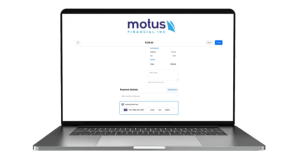
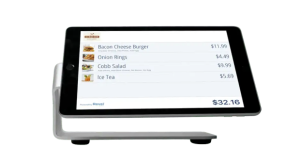 Our POS systems are designed to streamline in-store transactions. With features like inventory management, sales reporting, and customer tracking, our POS solutions help you run your business more efficiently. Our terminals are compatible with various payment methods, including chip cards, contactless payments, and mobile wallets.