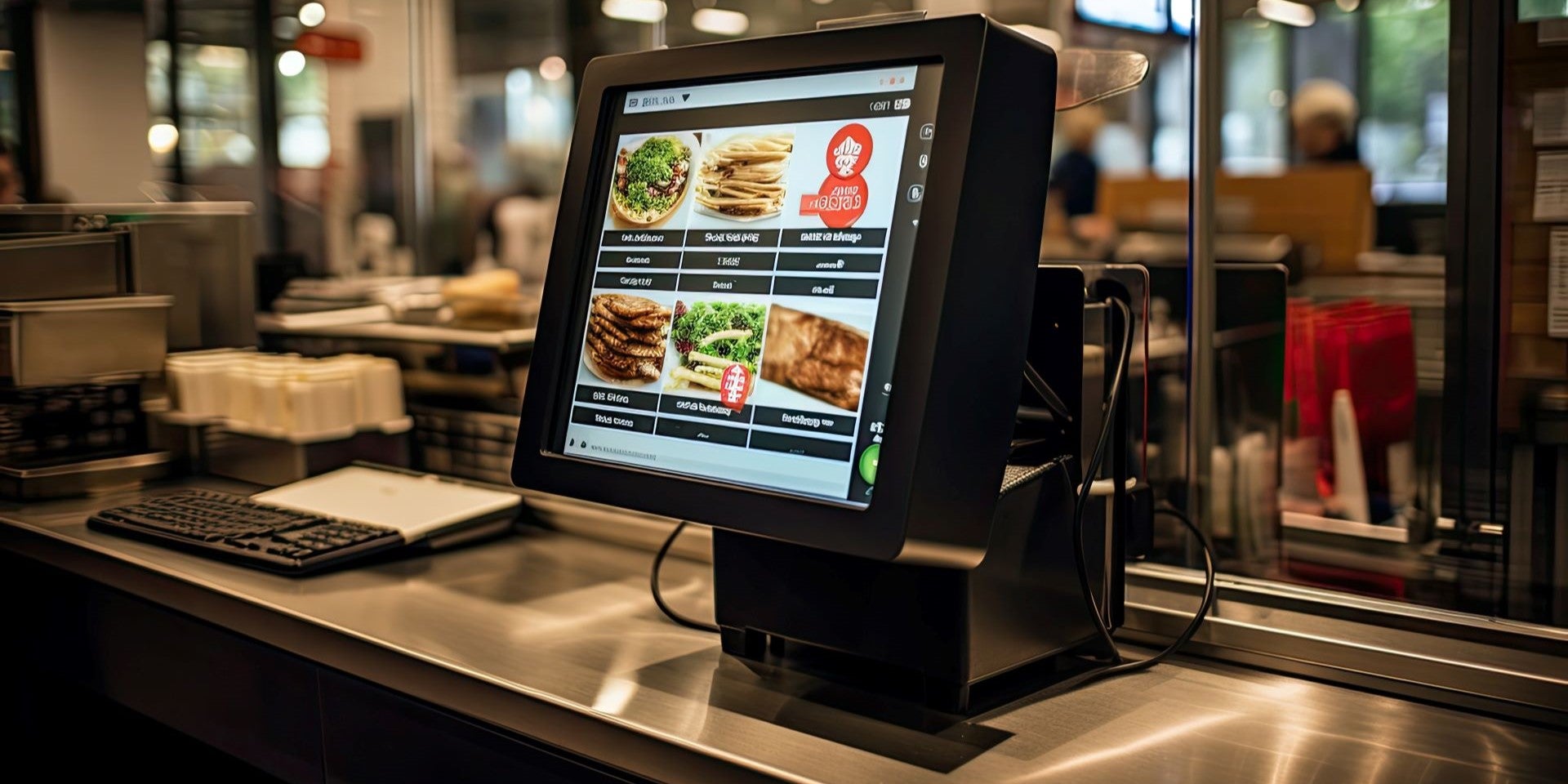

Restaurant POS Systems in Wisconsin: What to Look For Before You Buy
Restaurant POS Systems in Wisconsin: What to Look For Before You Buy
Your point-of-sale system touches every part of your restaurant. It’s how servers fire orders to the kitchen, how the bar keeps tabs straight, how you track which menu items actually make money, and how every guest pays at the end of their visit. When it works, nobody notices. When it doesn’t, everyone does — your staff, your kitchen, and your customers.
If you run a restaurant in Wisconsin and you’re shopping for a new POS system — or you’ve outgrown the one you started with — this guide walks through what actually matters in a POS decision, the questions most sales reps hope you won’t ask, and why the company standing behind the system matters as much as the system itself.
Start With How Your Restaurant Actually Operates
There’s no single “best” restaurant POS. A supper club outside Madison, a quick-service spot in a Sun Prairie strip mall, and a seasonal patio bar on a Wisconsin lake all need different things. Before you look at a single demo, get clear on your service model:
Full-service dining needs table mapping, coursing, split checks, and server-level reporting. If guests linger over a Friday fish fry, your system needs to handle open tabs gracefully and let servers close out quickly when the rush hits.
Quick-service and counter-service restaurants live and die by speed. Look for a streamlined order screen, easy modifier buttons, and a customer-facing display that keeps the line moving.
Bars and taverns need fast tab management, pre-authorization on cards, and an interface bartenders can operate without looking down.
Food trucks and seasonal operations — and Wisconsin has plenty of both — need portable hardware, reliable offline modes for when connectivity drops, and pricing that makes sense for a business that may not run year-round.
Write down your top three operational pain points before any demo. Then make the salesperson show you — on screen, not in a brochure — exactly how their system solves each one. If you’re weighing specific platforms, our breakdown of restaurant POS systems in Madison — TouchBistro vs. Lavu vs. ShopKeep walks through how to match a system to your operation.
The Features That Separate a Good POS From a Frustrating One
Once you’ve matched the system category to your service model, evaluate these specific capabilities:
Kitchen communication
Order tickets should reach the kitchen instantly and legibly, whether by printer or kitchen display screen. Ask how the system handles modifications after an order is fired, and how it routes items to different stations — grill, fryer, cold prep — so nothing gets lost on a busy Saturday night.
Menu and inventory management
You should be able to update prices, add specials, and mark items out of stock from anywhere — not just at the terminal, and not by calling support. Deeper systems tie sales to ingredient-level inventory so you can see food cost trends instead of guessing.
Reporting you’ll actually use
Every POS advertises “robust reporting.” The real test: can you pull up sales by daypart, by menu item, and by server in a couple of taps? Can you see it from your phone on a Sunday morning without driving to the restaurant? If reporting takes effort, it won’t get used.
Tips, tabs, and Wisconsin-specific realities
Make sure tip adjustment, tip pooling support, and bar tab handling match how your team actually works. If you sell alcohol, confirm the system supports age-verification prompts at the point of sale.
Offline reliability
Internet outages happen — especially in smaller Wisconsin towns and rural areas. A restaurant POS should keep taking orders and payments when the connection drops, then sync when it’s back. Ask specifically what works offline and what doesn’t.
Integrations
If you use online ordering, third-party delivery, reservation software, or accounting tools, confirm the POS connects to them natively. “We have an API” is not the same as “it works out of the box.”
The Questions the Demo Won’t Answer Unless You Ask
POS demos are polished. These questions get past the polish:
- What happens when something breaks on a Friday night? Who do you call, where are they located, and how fast do they respond? A support line in another time zone doesn’t help you at 7 p.m. during a fish fry rush.
- Who owns the hardware? Some providers lease equipment with terms that make leaving expensive. Understand what you own, what you’re renting, and what happens to both if you switch.
- What does the contract actually commit you to? Ask about term length, auto-renewal clauses, and early termination provisions — in writing.
- Am I locked into one payment processor? Many popular POS systems require you to process payments through them, which removes your ability to negotiate. A system that locks the two together deserves extra scrutiny of both halves of the deal.
- Who trains my staff? Turnover is a reality in restaurants. Find out whether training is in-person, remote, or a link to a video library — and what it costs when you need it again for new hires.
Why the Company Behind the System Matters More Than the Brochure
Here’s what a decade of working with Wisconsin restaurants teaches you: most modern POS systems can take an order and print a ticket. The difference between a system you love and a system you resent is almost never the software — it’s the support.
When a terminal freezes mid-rush, a national call center will open a ticket. A local partner shows up. That’s the case for working with a Wisconsin-based payments and POS provider: someone who has stood in your dining room, knows your setup, and answers the phone when you call — because you’re a neighbor, not an account number.
Motus Financial is based in Sun Prairie and works with restaurants across Wisconsin — supper clubs, taverns, cafés, quick-service spots, and food trucks. We help owners match the right POS system to their operation, and because we’re local, support doesn’t mean a ticket queue.
Frequently Asked Questions
What’s the difference between a restaurant POS and a regular retail POS?
Restaurant systems are built around tables, tabs, coursing, kitchen communication, and tips. Retail systems are built around inventory and barcode-driven checkout. Using a retail system in a full-service restaurant creates friction at every turn — they’re not interchangeable. Our restaurant vs. retail POS checklist breaks down the differences point by point.
Can I keep my existing POS and just change payment processors?
Often, yes — it depends on whether your POS is locked to a specific processor. This is one of the most important questions to ask before signing anything, and it’s worth reviewing your current agreement even if you’re not shopping. We’re happy to look at your setup and tell you what your options are.
How long does it take to switch POS systems?
With proper planning — menu build-out, hardware installation, and staff training scheduled around your slow days — most restaurants can transition without closing or losing service time.
Do I need different hardware for a food truck?
Generally yes: mobile-first terminals with reliable offline capability, rather than fixed countertop stations. The right setup depends on your connectivity and volume.
Ready to Talk Through Your Options?
Motus Financial helps Wisconsin restaurants choose, install, and support POS systems that fit the way they actually run — with local, in-person service. Contact us for a no-pressure conversation, or explore the top features to look for in restaurant merchant services.





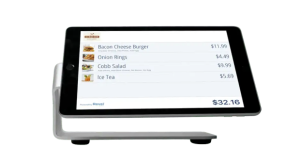 Our POS systems are designed to streamline in-store transactions. With features like inventory management, sales reporting, and customer tracking, our POS solutions help you run your business more efficiently. Our terminals are compatible with various payment methods, including chip cards, contactless payments, and mobile wallets.